Polymarket

Polystrat

The autonomous AI agent for Polymarket

Market screenshot

Trade Polymarket on Autopilot. Prediction Markets the AI Way, 24/7.

Don't let manual trading slow you down, level up with your customized AI agent. Polystrat scans markets in real-time, places trades for you, collects your earnings and can earn you OLAS activity rewards for running your agent.

Available on Pearl

Polymarket

Polystrat

The autonomous AI agent for Polymarket

Market screenshot

Operating on

Polymarket iconPolymarket

Powered by

Olas

Secured by

Safe Wallet

2,647

Trades executed

474

Markets traded

Aggregated across all Polystrat agents.

Why Polystrat?

Trade Polymarket while you sleep

Trade Polymarket while you sleep

Humans need sleep, Polystrat doesn't. It places trades around the clock, capturing opportunities even while you sleep.
Superhuman market coverage

Superhuman market coverage

Markets change in milliseconds. Polystrat continuously recalculates probabilities against real-time data, adapting to shifting odds faster than any human can. Limitless.
Control trading strategy in plain English

Control trading strategy in plain English

Choose from "risky" or "balanced" preset trading strategies, or simply describe what you want your agent to do. Polystrat handles the math and trade sizing while following your preferences.
Owned by you, self-custodial by design

Owned by you, self-custodial by design

Unlike centralized bots, Polystrat runs locally on your device. Your funds are stored in a Safe smart account, so you control your funds instead of relying on a custodian.
Transparent agent performance

Transparent agent performance

See what your agent is doing in real-time via the agent’s trade history and performance history.
Earn rewards for running your agent

Earn rewards for running your agent

Alongside market earnings, you can earn OLAS activity rewards just for running your agent.

Ready to launch?
Set Polystrat up in minutes.

Step 1:

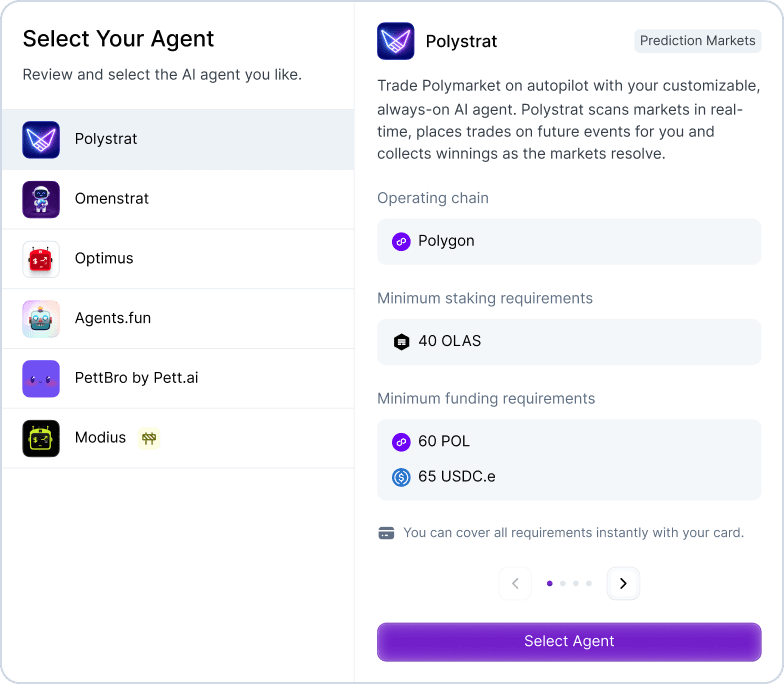
Get Polystrat via Pearl

Sign in with Google/Apple, and select Polystrat from the available agents.
Get Polystrat via Pearl
arrow downarrow down mobile

Step 2:

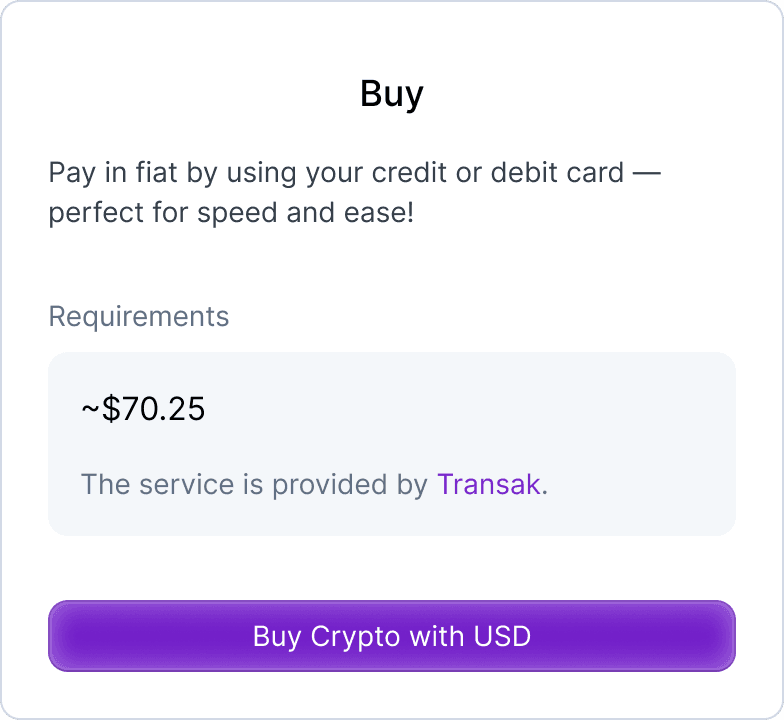
Fund in minutes

Fund easily using a credit/debit card or crypto.

Fund in minutes
arrow downarrow down mobile

Step 3:

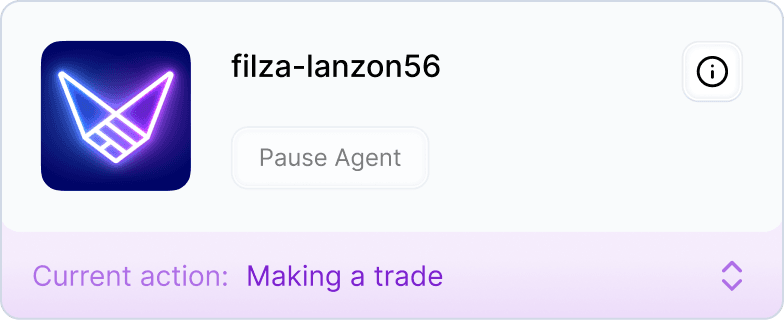
Launch your agent

Your agent comes pre-configured with a "risky" trading strategy. Simply review the settings and click “Start agent”.
Launch your agent
arrow downarrow down mobile

Step 4:

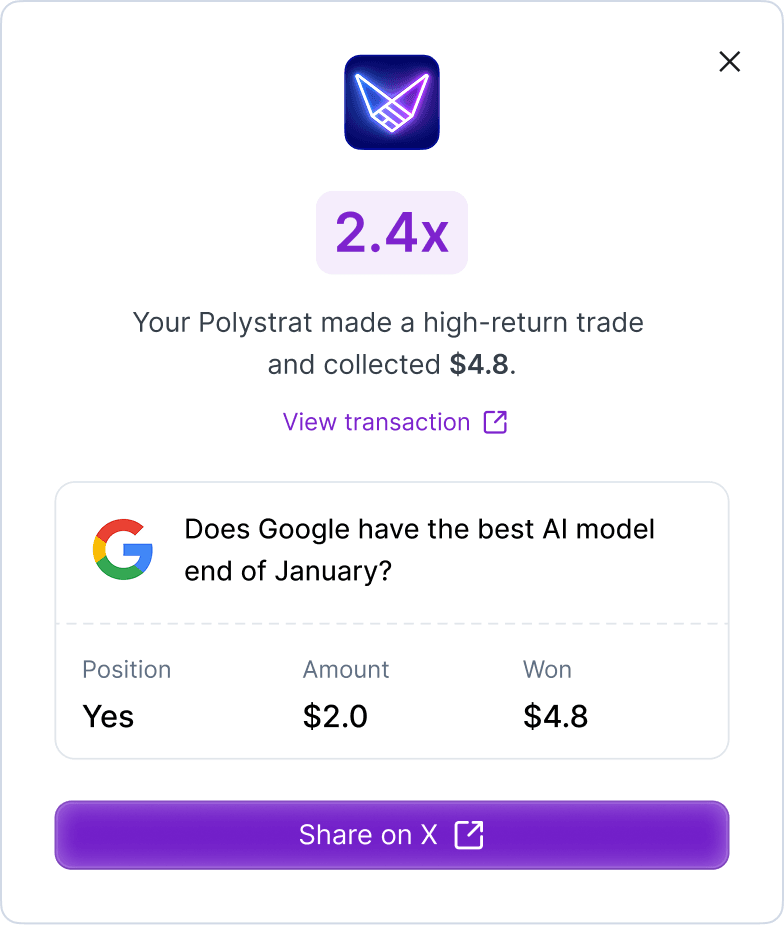
Watch it work and share achievements with friends

Sit back. Polystrat tracks market outcomes and automatically collects your earnings, potentially earning you OLAS activity rewards in the background. When your agent has strong ROI, you can share its achievements with friends on X.
Watch it work and share achievements with friends

Frequently Asked Questions

Polystrat operates using a self-custodial Safe account. The agent is authorized to trade within your defined limits. You maintain full ownership of your agents and can stop the agent or withdraw your funds
No. Polystrat is designed for the curious user, not just the expert user. You can launch Polystrat in minutes using the "risky" preset strategy or give the agent custom instructions in plain English.
Standard bots follow rigid, pre-coded scripts (e.g., "If x, then y"). Polystrat is an autonomous AI agent that uses Large Language Models (LLMs) to interpret market context, news, and sentiment in real-time, instead of being limited to predetermined scripts.
Both agents run on the Pearl app, but they serve different prediction markets. Polystrat is built for Polymarket while Omenstrat operates on Omen, a decentralized prediction market platform on the Gnosis blockchain. You can run either Polystrat or Omenstrat, or both sequentially within Pearl.
Polystrat includes built-in error handling. If a transaction fails, the agent is designed to automatically reinitiate the transaction based on predefined parameters.
Pearl supports optional account recovery methods using your Google or Apple account to help you regain access to Pearl in the event you lose your device.
If you have the Pearl app installed already, click on "+ Add New Agent" to get Polystrat
You can access support directly from the "Help Center" in the Pearl app. For more FAQs, visit the main FAQ here.
footer bg