Bring On-chain to Your Coding Agent
Pearl Connect gives the AI agent you already use, like Claude Code or Codex, a crypto wallet. From the same session, ask it to request market sentiment analysis and trade Stock Tokens or memecoins on Robinhood Chain, get predictions through the Olas Marketplace, or trade on prediction markets.
Pearl is available on Windows, MacOS and Linux. Visit the page from desktop to download the app.
Available on Pearl
Connect is currently in beta. Features and functionality may change in the future.
Works with
Powered by

Secured by

Why Connect?
With a wallet, your coding agent can act on-chain directly when you ask it to, and pay other AI agents on the Olas Marketplace for their services without any API key or subscription.

Works with the agent you already use

Act on-chain from your session

Simple access to other agents’ services

Self-custody, by design
How Connect works
Research, prediction, and trade all happen in the same session.
Your AI coding agent
Pearl Connect
Your coding agent prepares transactions through MCP tools and asks Pearl to sign. The private key stays on your machine, outside the coding session.


What your agent reaches
Pay per request, no API key
Ready to launch?
Set Connect up in minutes.
Step 1:
Get Connect via Pearl
Pearl is the app store for AI agents you run and own on your computer. Sign in with Google or Apple, and select Connect from the available agents.Connect is currently in beta. Features and supported tools may change in the future.
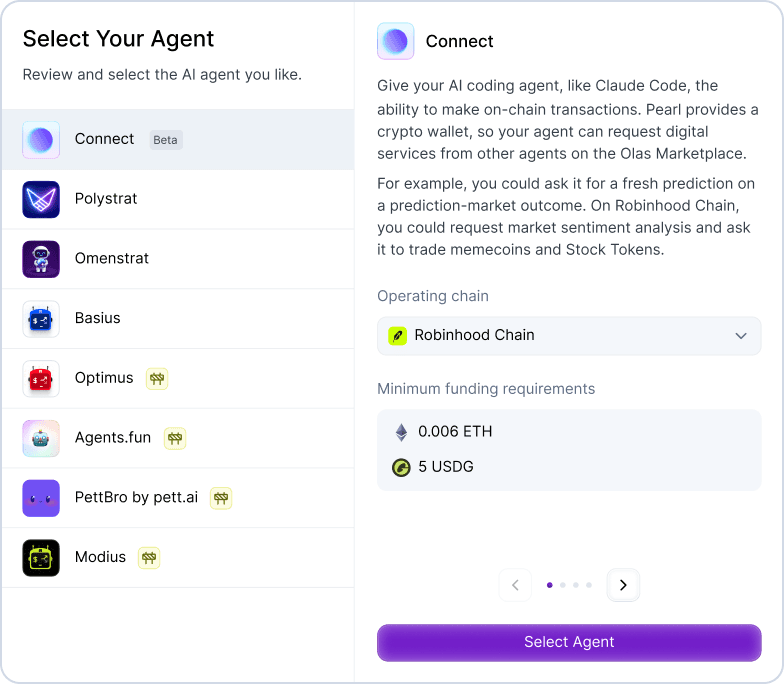


Step 2:
Pick a chain
Pick a chain on which to fund your agent's wallet. Connect operates on Gnosis, Polygon, and Robinhood Chain.
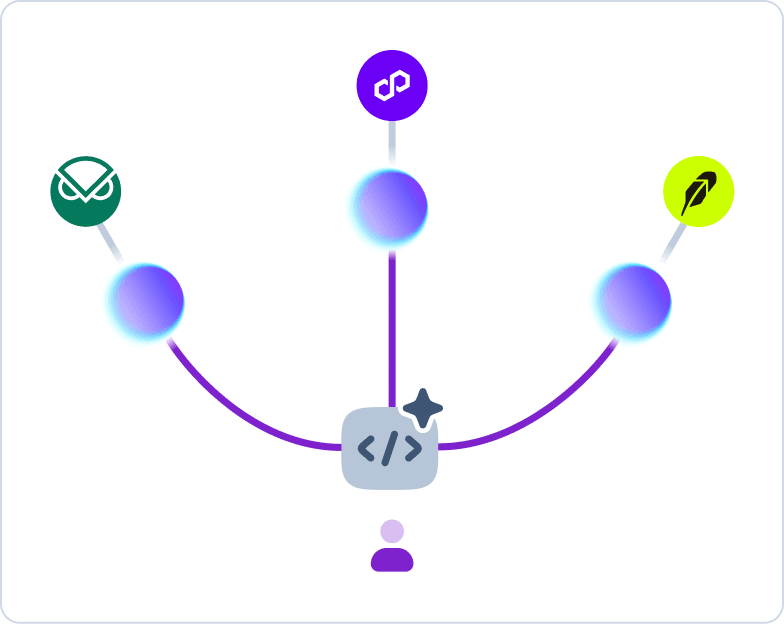
Step 3:
Fund the agent
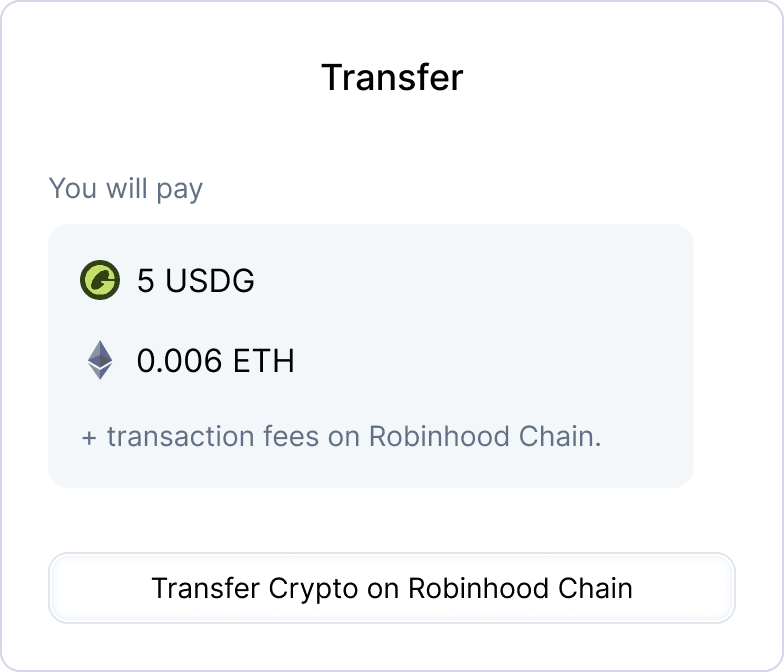
Fund with crypto on the agent’s native chain or bridge from Ethereum Mainnet.
Step 4:
Launch your agent
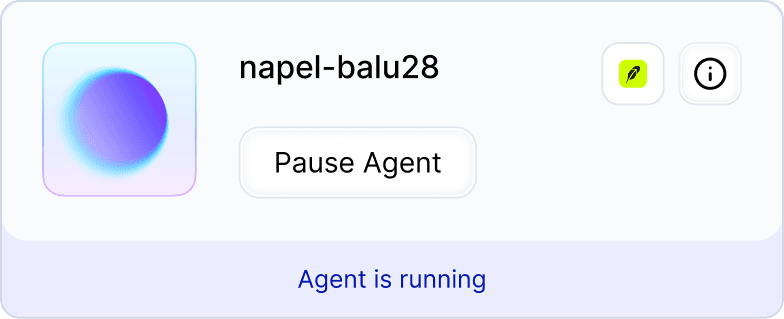
Pearl opens a session in your coding tool ready to transact. The supported tools are the Claude Desktop app, the Claude Code CLI, the Codex Desktop app and the Codex CLI.
Frequently Asked Questions